

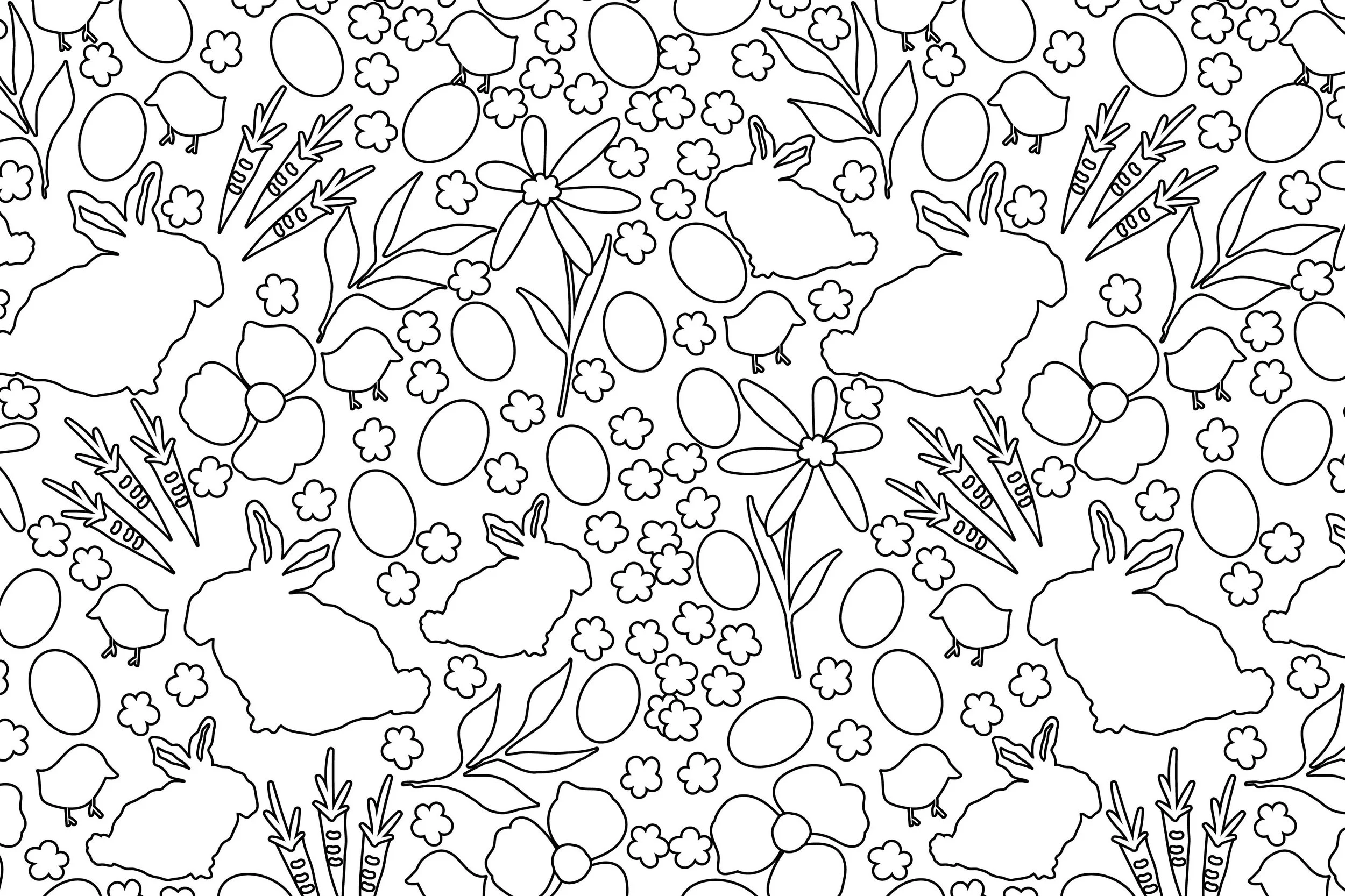
Desiging patterns is one of my favorite things to do. It is so fun to quickly transform designs or full patterns into a coloring page that you can use for a free download or to sell in an online shop. It is quick and easy to do in Adobe Illustrator.
I made three coloring pages for Easter, which you can download here.

For this tutorial, I am using motifs from a pattern I made for Easter with a bunny and carrots.

Step 1: Highlight your motifs or select all (Command + A) and go to Pathfinder > Divide. This will separate your colors. As you can see below, the green and orange in the carrot overlap, and I want to make a shape for each color.
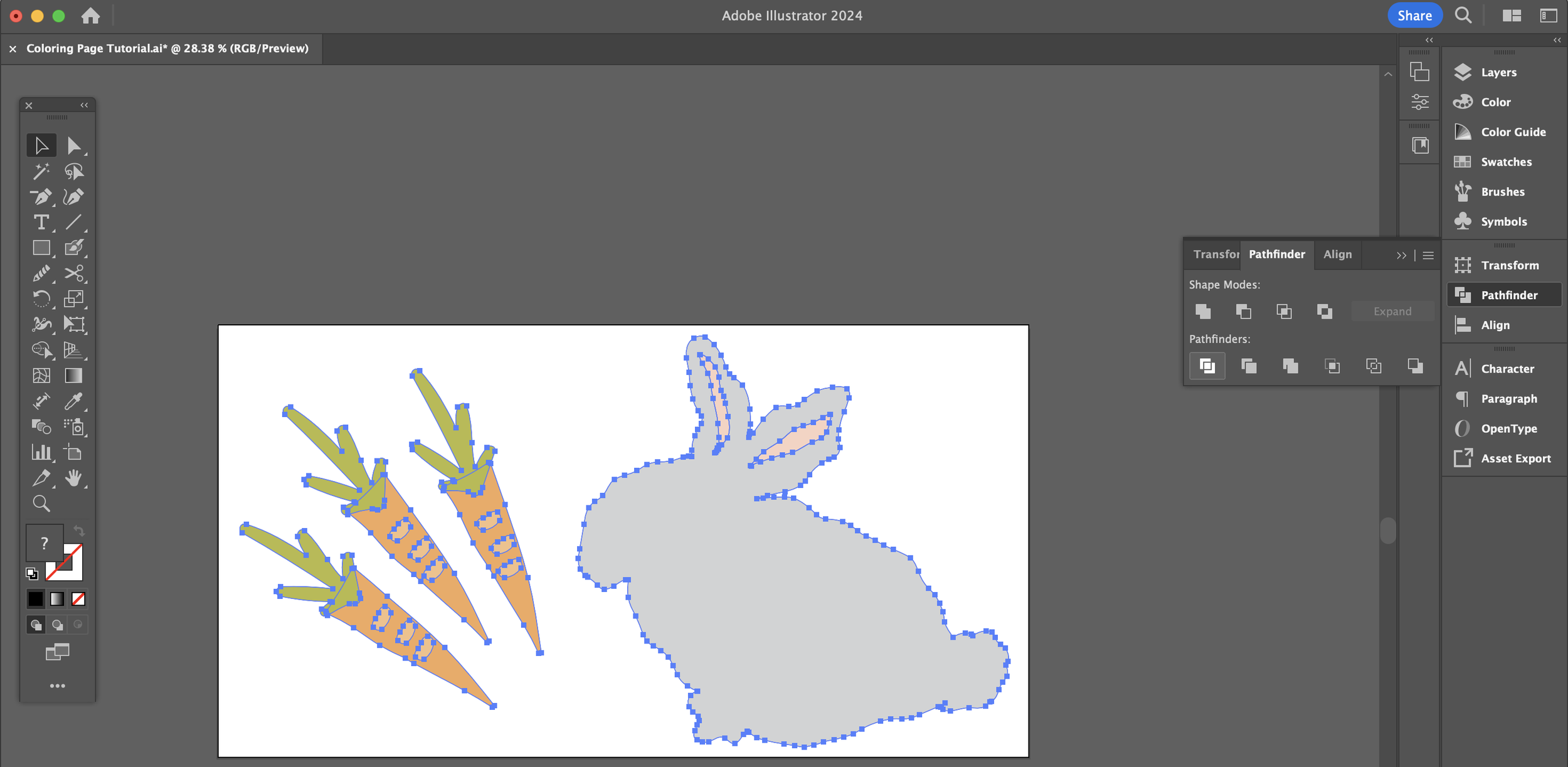
Step 2: Go to Select > Same > Fill & Stroke for each color. Then go to Step 3. Repeat as necessary. I only needed to do this for the green.

Step 3: Go to Pathfinder > Unite.

Step 4: Change stroke from no-fill to black outline.
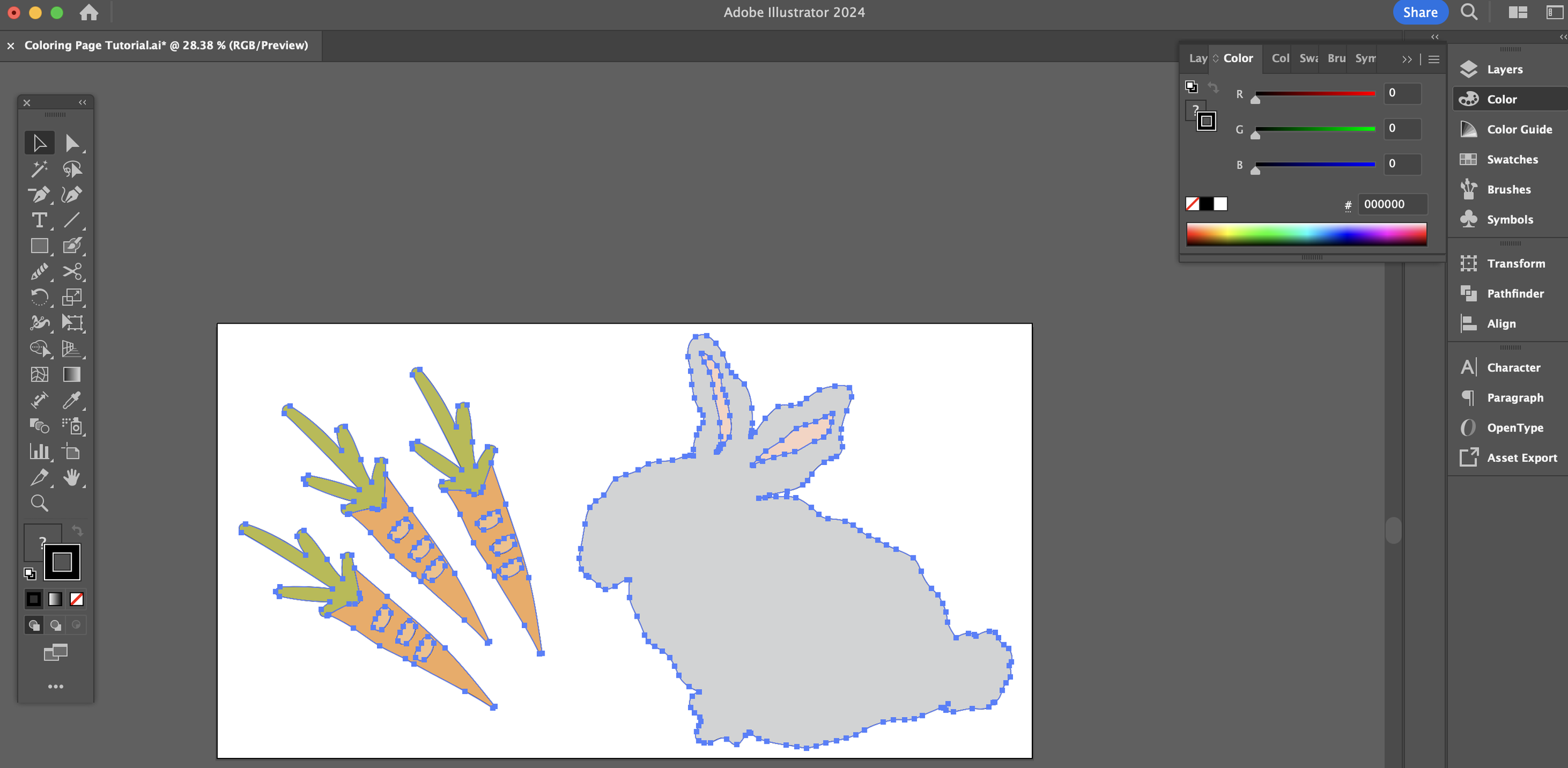
Step 5: Change fill color to white.

Step 6: Adjust stroke outline as necessary. I changed it to 2pt.
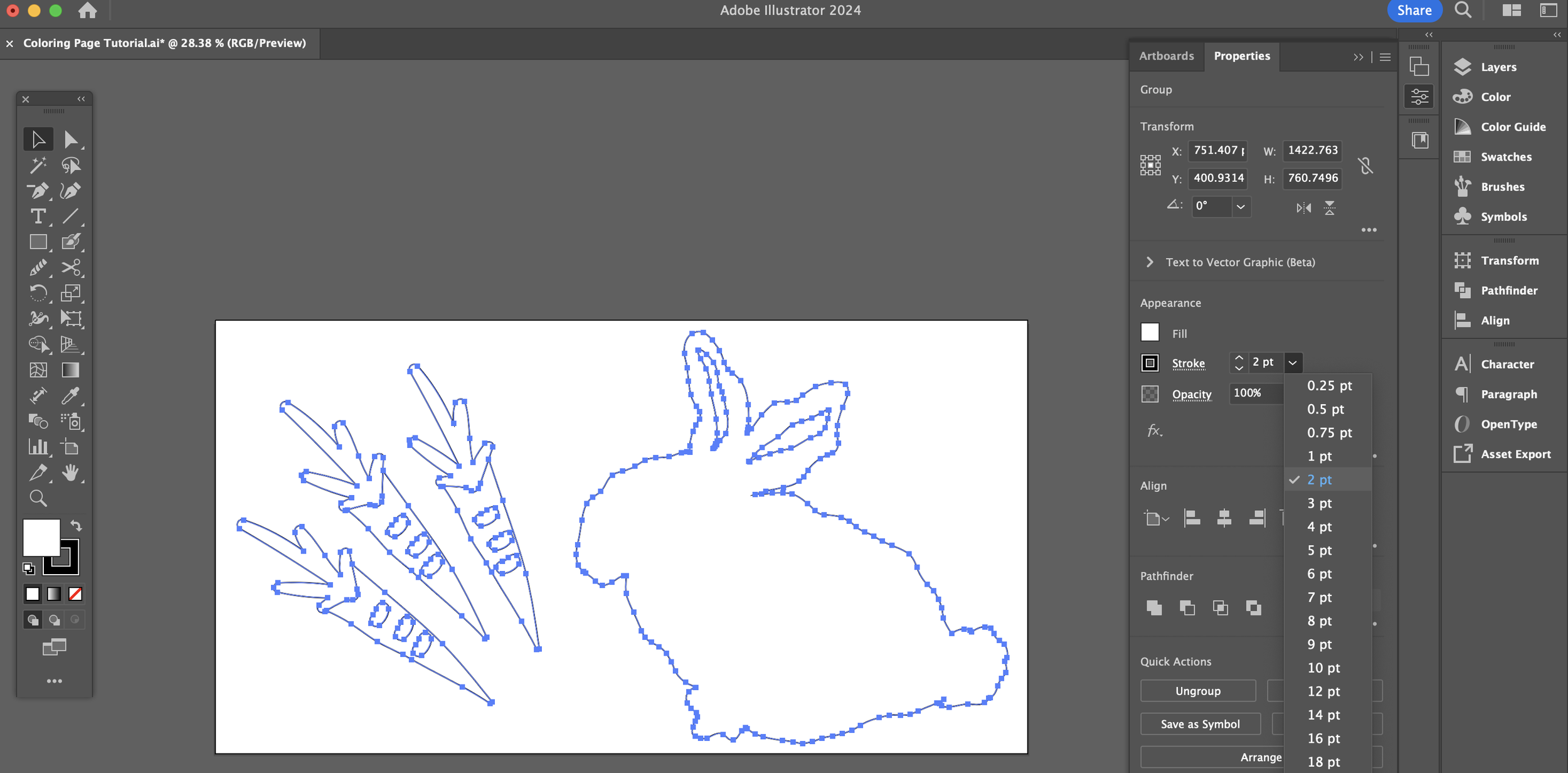
Step 7: Lastly, expand the strokes by going to Object > Expand.

Step 8: Save a PDF of your coloring page on an 8.5” x 11” Artboard in Adobe Illustrator, and share it!